
Site issues log and snag list app
What is wrong or held up on the project, numbered once and carried until it is closed.
Opening…
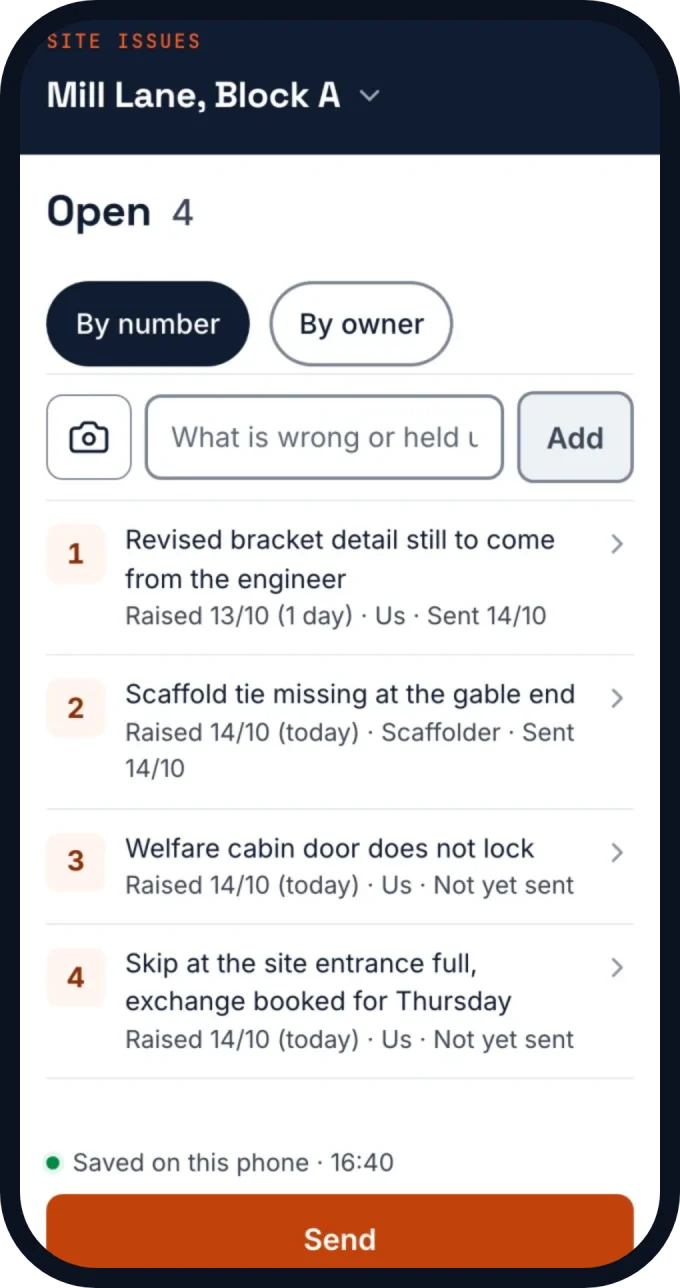
One photo or one line makes a snag
It is numbered at once, with its owner and area, and Share sends it straight to the trade.
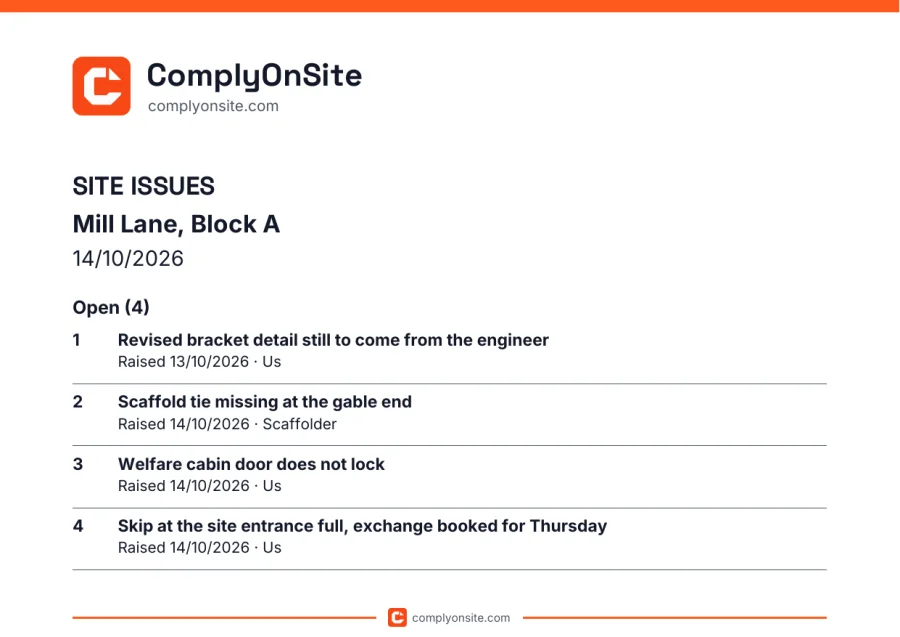
Send the snag list as a PDF
Each issue prints with its number, the date raised, its owner and its latest photo.
Snag list app questions
Is it free?
Yes. The list, the photos, the PDF and the email text are free, with or without an account.
Does it work without a signal?
Issues are kept on the phone as you add them. Signed in, they go to your account when the signal is back.
Is anything sent when I add an issue?
Its words and its photo, to suggest the owner and the area. They go through our server to OpenAI. We keep a count, not what it says.
Can the client or a trade see the list?
Send them the PDF and the email text, or share one issue from the phone. The list itself stays with you and your team.
What is the difference from a snag list template?
A template is filled in once and goes out of date. Here each snag keeps its number, owner and notes, and the PDF is made fresh each time you send. For a walk round on paper, print a snagging list template.
Should safety problems go on the list?
Yes. Where there is a principal contractor, CDM 2015 regulation 13 says they must plan, manage and monitor the construction phase so work is done without risks to health or safety. A numbered issue with an owner and dated notes shows what was found and when it was closed.
How do issues get into the weekly report?
Write the week in Site Progress Report. Open issues are listed under Delays and problems by number. Hold-ups from the site diary are already here.