
Paper form to digital form
Turn a paper form into a digital form Take a photo of a sign-in sheet, briefing, register or checklist. You get the same form with boxes to fill, ready to print or fill in on a phone.
- 1 free form a week
- Try the sample free
- PDF to print or fill in
Copy a form
One photo a page, up to 6. Whole page in the frame, flat, no glare.
A toolbox talk record, already copied. Fill it in and save the PDF, free and with no account.
A paper form and its copy
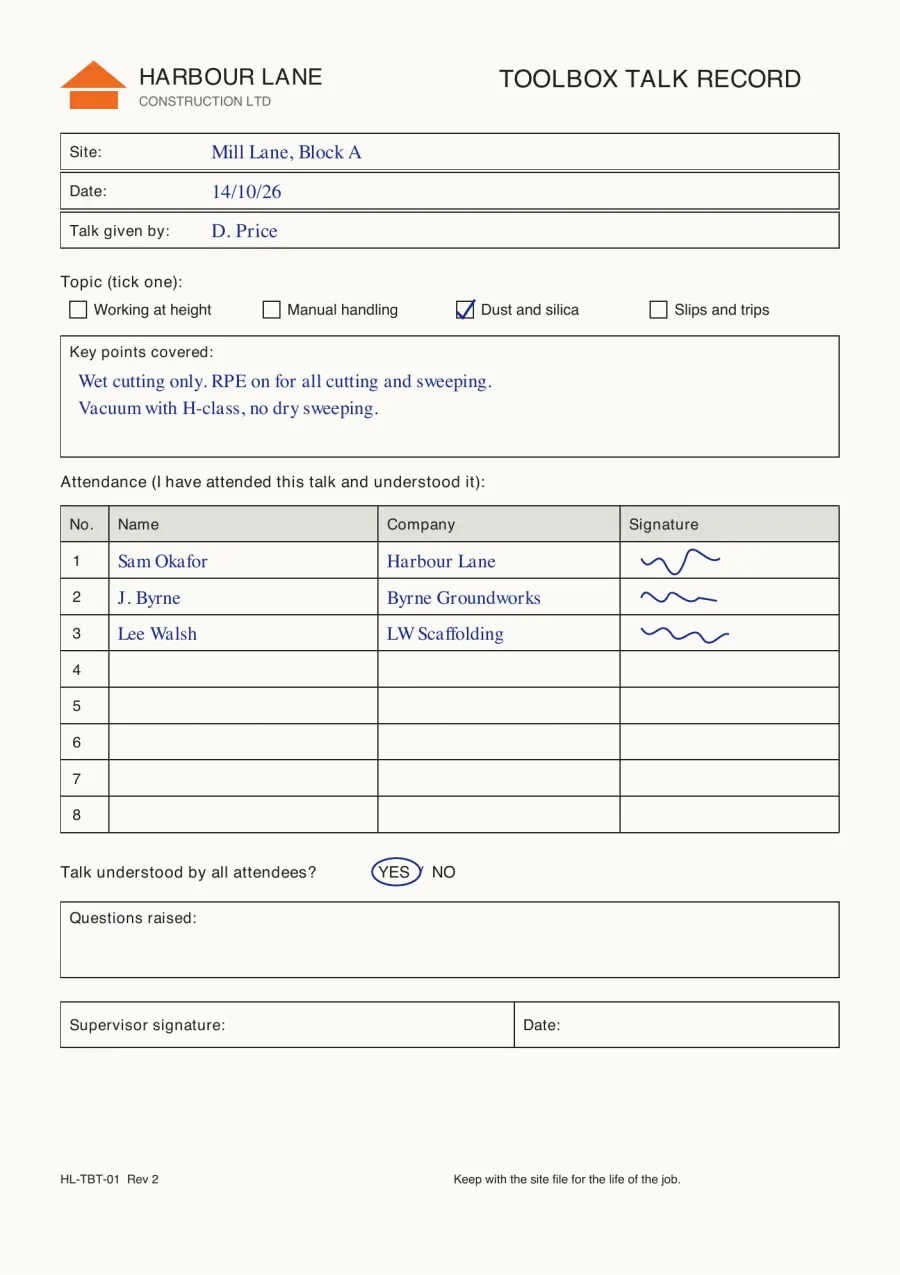
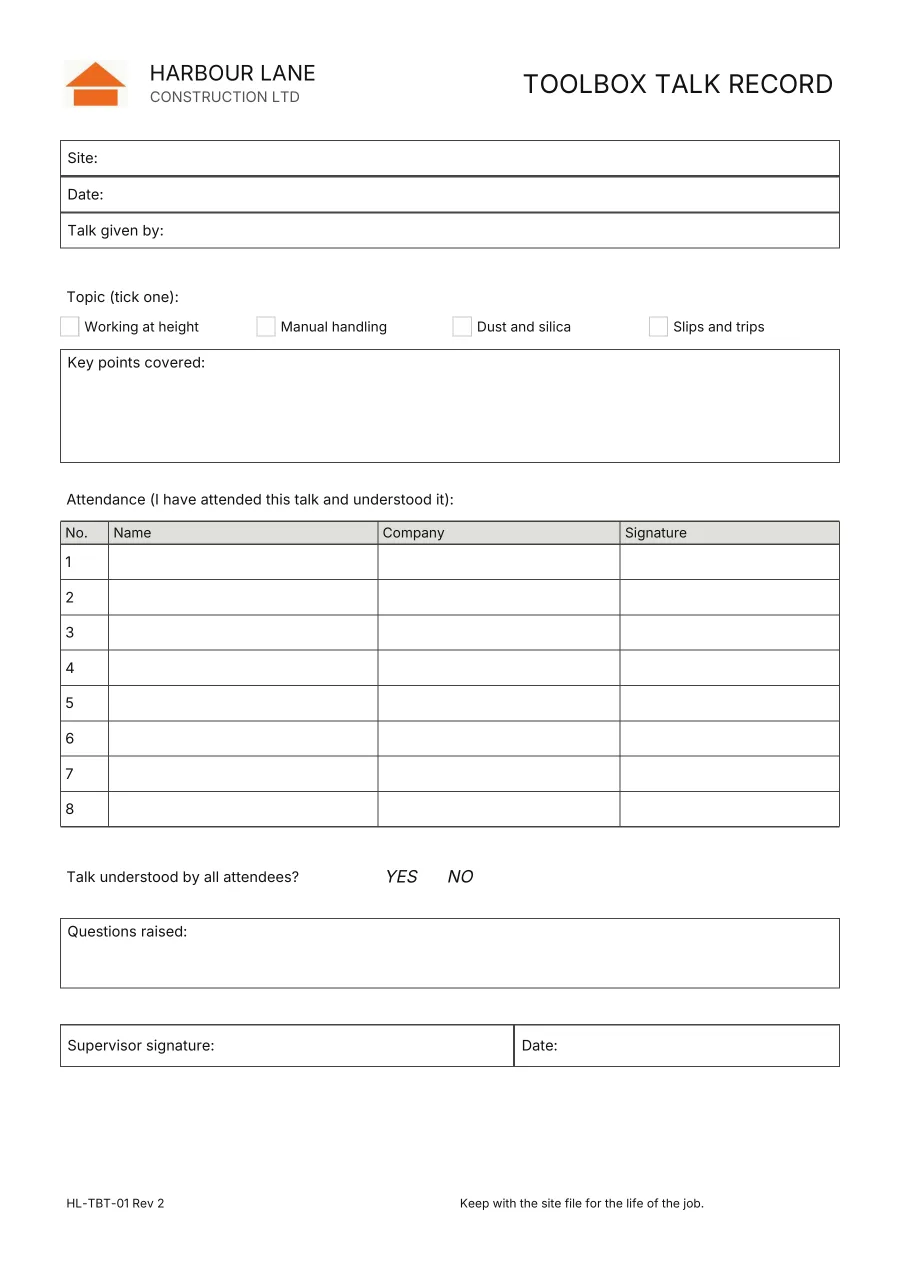
The toolbox talk record on the left was copied from its picture. The logo and the printed words are kept, the topics became tick boxes, YES and NO can be picked, and the names and signatures were left out.
How to copy a paper form
Take the photos
One photo a page, flat and in the frame. Add a close-up of small print.
Check the copy
It is drawn as it prints. Anything to check is listed, and any box can be renamed, changed or removed.
Fill it in or print it
Fill in each box on your phone, then save the PDF. Or save it blank and print it.
Starting from scratch? Make a site diary template. For a diary page, take the photo in Site Diary.
Paper form to digital form questions
What forms can it copy?
Any printed form. Sign-in sheets, briefings, registers, checklists and inspection sheets, up to 6 pages, one photo a page. Induction forms are a common one. Under CDM 2015 regulation 13 the principal contractor must make sure a suitable site induction is given.
Does it copy the handwriting and signatures already on the form?
No. Those boxes come back empty, ready to fill in again. You check the copy before you use it.
Does it keep the logo?
The printed logo is copied from your photo. When it can’t be, the copy says so under Check these. On Pro and Team, your company logo can go in its place.
Can I fill it in on my phone?
Yes. Each box is listed in order, and what you type lands in its place on the page. Tick boxes, Yes or No, dates and signatures each get their own control.
What file do I get?
A PDF to print or send, blank or filled in. Fill it in again as often as you like.
How do I take a good photo?
One photo a page, with the whole page in the frame, flat and without glare. Add a close-up of any small print.
Does it work with iPhone photos?
Yes in Safari. In other browsers, send a JPEG. On an iPhone, Settings, Camera, Formats, Most Compatible takes JPEGs.
How much does it cost?
A free account copies one form a week, up to 2 pages each. Pro copies 50 pages a month and Team 200. After that, or for a longer form, it is 1 credit a page. A form you keep is filled in again for free. Nothing is used if the copy isn’t made. The sample is free without an account. See the plans.
Do I need an account?
To copy your own form, yes. The sample works without one.
What happens to my photos?
They are made smaller on your phone, then sent to be read by the AI provider. The copy is kept with your account for 30 days on Starter and 12 months on Pro and Team. The privacy policy says what is kept and for how long.
Is the copy the controlled version of our form?
It is a copy of what was printed, form number and revision included. Your own document control decides which version is current.